
ColorCub
AI coloring page generator for iPhone and iPad
An AI coloring page generator — describe anything, get a printable page in seconds.
ColorCub turns a typed or spoken idea into custom line art you can color together, print, or share. No ads and no fixed library — just the page you imagined.
The problem
The page they imagine rarely exists in a coloring book
A T-rex flying a rocket. A princess riding a narwhal. Searching for a very specific printable often means wading through ad-choked sites to find something generic. Most coloring apps simply replace the paper with a fixed library and a pile of pop-ups.
The fix
Describe it, and ColorCub draws it
Say or type the idea and ColorCub generates a clean line-art page in seconds. Color it together in the app with fills and palettes, or print it and bring out the crayons. There are no ads, and saved pages remain available offline.
Features
What it does
Any idea, in seconds
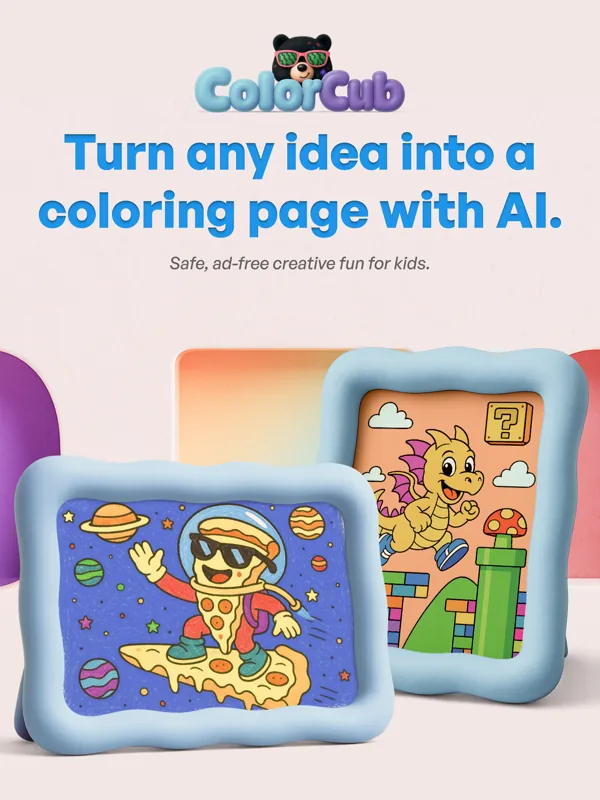
Describe a scene in plain words and AI drafts a custom line-art coloring page built for filling in.
Say it or type it
Speak an idea instead of typing, then watch it become a page you can color together.
Real coloring tools
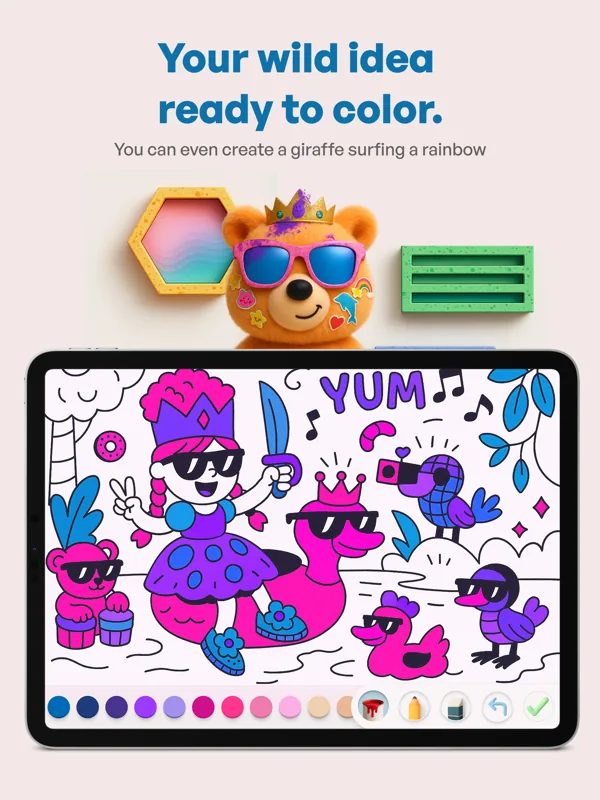
Brushes, color palettes, flood fill, and undo/redo make it easy to color on screen.
Print and share
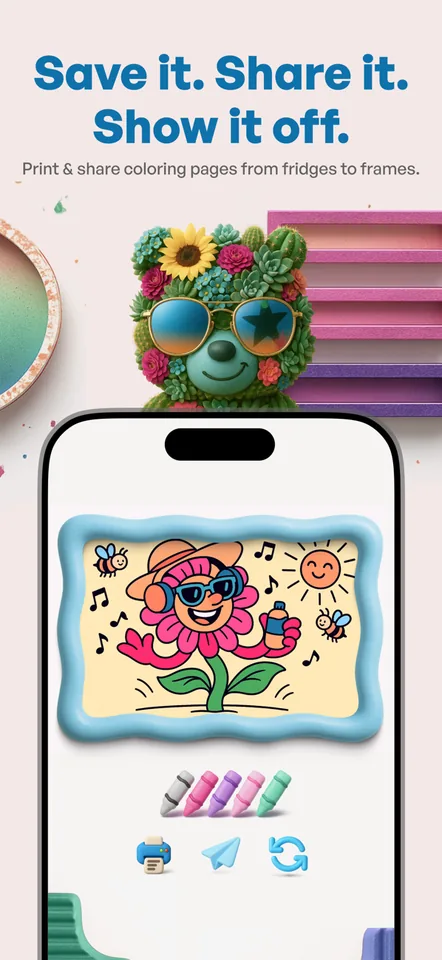
Send finished pages to the printer or share the artwork straight from the app.
Ad-free for everyone
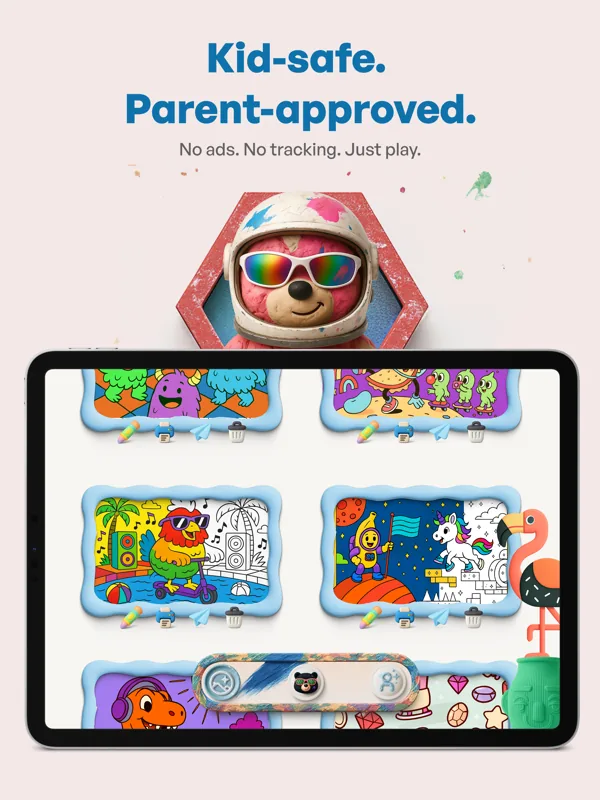
Free and Pro users get the same focused experience without ads or pop-ups.
Saved pages work offline
Saved pages remain available without a connection — made for car rides and flights.
In the app
Screens
Use cases
Where it fits
The very specific request
When “a dinosaur” isn't enough and it has to be a triceratops eating birthday cake, generate exactly that page instead of settling.
Car rides and flights
Create and save a few pages before you leave; they stay colorable offline, with no ads to wander into.
Print-outs for the kitchen table
Skip the printable-page websites — generate pages at home and print them for crayons, fridges, and frames.
Quiet time for any age
Mandalas and calmer scenes make it a relaxing, mindful activity for adults, too.
Compared
How ColorCub compares
| The alternative | Why it falls short | How ColorCub helps |
|---|---|---|
| Googling printable coloring pages | Ad-heavy sites, pop-ups, and generic pages that rarely match the idea you started with. | Generates a custom page from your description, with no ads in the app. |
| Coloring apps with fixed libraries | A finite catalog — the specific scene your family wants to color usually isn't in it. | Create three custom pages free; Pro unlocks unlimited generation. |
| General AI image tools | The output is rarely the clean, printable line art you want for a coloring activity. | Purpose-built for coloring, with clean outlines and drawing tools in the same app. |
FAQ
Frequently asked questions
Is ColorCub free?
Yes. Create three custom pages free. Pro unlocks unlimited generation. Drawing, saving, sharing, and printing remain available without Pro.
Does ColorCub have ads?
No. ColorCub is ad-free for free and Pro users.
Can I print the coloring pages?
Yes. Print pages to color with real crayons and markers, or save and share the finished artwork from the app.
How do you make a coloring page with AI?
Type a description — or speak it aloud — and ColorCub generates a custom line-art page in seconds, ready to color in the app or print.
Does ColorCub work offline?
Saved pages remain available offline, so you can create and save a few before a car ride or flight.
What devices does ColorCub run on?
ColorCub runs on iPhone and iPad.
Color the page you imagined
Create three custom pages free on iPhone and iPad. Describe an idea, color it together, or print it.