Fax It
Pay-per-page fax app for iPhone
Send a fax from your iPhone — no fax machine, no subscription, pay per page.
Fax It sends faxes from your iPhone or iPad without a fax machine or a monthly plan. Scan documents with your camera or import PDFs and photos from iCloud Drive, Dropbox, or Google Drive, preview exactly what the recipient will get, and send to the US, Canada, and 50+ countries. You buy credits per page — they never expire, so an occasional fax costs cents, not a subscription.
The problem
You need to send one fax. You don't own a fax machine.
Doctors' offices, government agencies, and law firms still ask for faxes, and email won't do. Hunting down a print shop wastes an afternoon, and most fax apps push a $10–30/month subscription to send a single form.
The fix
Fax it from your phone, pay for the pages, done.
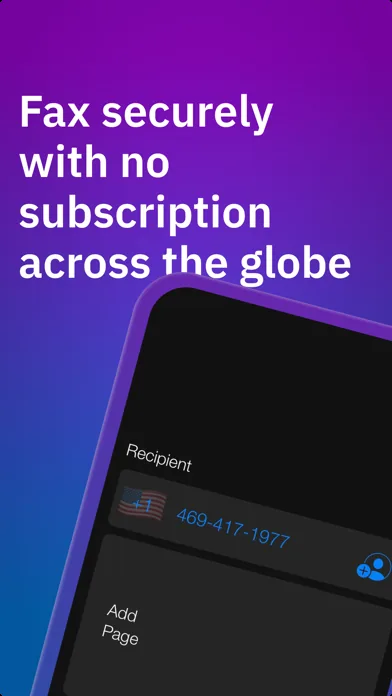
Scan the document with your camera or pull it from your files, type the fax number, and preview the exact pages before they go out. Fax It charges per page with credits that never expire — no plan, no auto-renewal, no fax machine.
Features
What it does
Scan with your camera
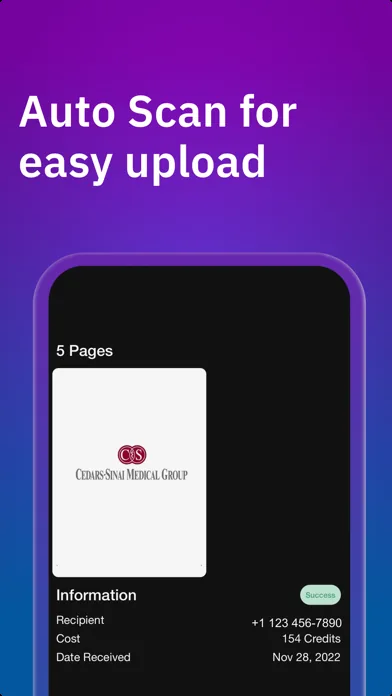
Auto-scan paper documents straight into a fax, with adjustable image quality and contrast so they arrive legible.
Import from anywhere
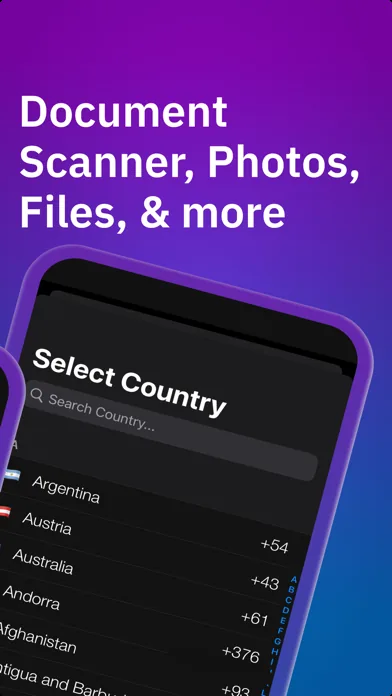
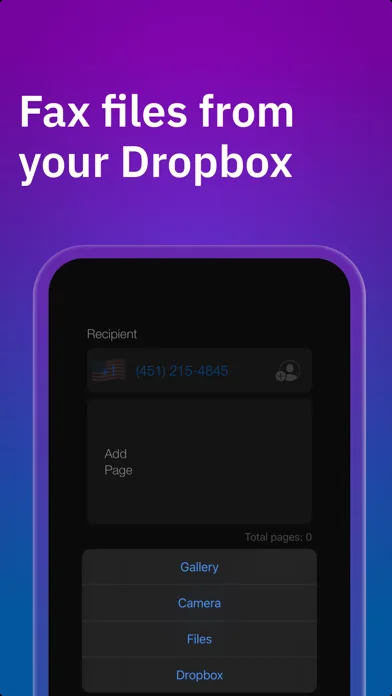
Fax PDFs and photos from iCloud Drive, Google Drive, Dropbox, your photo library, or email and Messages attachments.
Fax 50+ countries
Send to the US, Canada, and more than 50 international destinations with a built-in country-code picker.
Preview before sending
See exactly what the recipient will receive — every page, in order — before it goes out.
Delivery status
Watch each fax move to delivered, with the recipient, page count, cost, and date kept on record.
Credits that never expire
Buy as few or as many page credits as you need. No subscription, no monthly reset, no auto-renewal.
In the app
Screens
Use cases
Where it fits
Fax a doctor's office
Send medical records, referral forms, or prescription paperwork to a clinic that only accepts fax.
Government and tax forms
Fax signed forms to the IRS, DMV, courts, or other agencies that won't take email attachments.
Contracts and legal documents
Scan a signed contract or real estate form and fax it back in minutes, multi-page and previewed.
The once-a-year fax
Keep leftover credits for next time — they don't expire, so the occasional fax never needs a plan.
Compared
How people send a fax without a fax machine today
| The alternative | Why it falls short | How Fax It helps |
|---|---|---|
| Finding a fax machine or print shop | Driving somewhere, waiting in line, and paying per page anyway — with your documents passing through someone else's hands. | Scan and send from your phone in minutes, from wherever the document is. |
| Online fax subscription services | Monthly plans of $10–30 whether you fax a hundred pages or one, often with auto-renewal you have to remember to cancel. | Pay per page with credits that never expire. No plan to cancel because there is no plan. |
| Emailing the document instead | Many medical offices, courts, and government agencies still require fax and won't accept email attachments. | A real fax transmission to a real fax number, with delivery status to confirm it arrived. |
FAQ
Frequently asked questions
Is Fax It free?
The app is free to download. Sending costs page credits you buy in-app — pay only for what you send, with no subscription and no recurring charges.
Do the fax credits expire?
No. Credits never expire, so whatever you don't use today is still there for the next fax, whenever that is.
How do I send a fax from my iPhone?
Scan the document with your camera or import it from Files, iCloud Drive, Dropbox, Google Drive, or Photos. Enter the recipient's fax number, preview the pages, and hit Send.
Can I fax to a doctor's office or the IRS with it?
Yes. Fax It sends to any fax number — medical offices, government agencies, courts, and businesses — and shows delivery status so you know it arrived.
Which countries can I fax to?
The US, Canada, and more than 50 international countries, selected from a built-in country-code picker.
What happens to my documents?
You preview exactly what will be transmitted before sending, and each fax keeps a delivery record in the app. The full privacy policy is at 37.technology/legal/privacy.
Send that fax and move on
Fax It is free on the App Store. Buy credits for just the pages you need — they never expire.